
Changelog Update
Salesforce MCP tool can now create and update objects
🎯 What is it?
The Salesforce MCP tool has evolved beyond read-only access. Your Dust agents can now create and update records directly in Salesforce—including companies, contacts, opportunities, notes, and other objects. This means agents can take actions on your behalf, not just retrieve information.
💡 Why is it useful?
This was one of our most frequently requested features. Until now, agents could read data from Salesforce but couldn't modify it, requiring you to manually update records after getting insights. With the introduction of medium stakes for agent actions, we've made it safe for agents to perform write operations with appropriate guardrails in place.
🚀 How to access it?
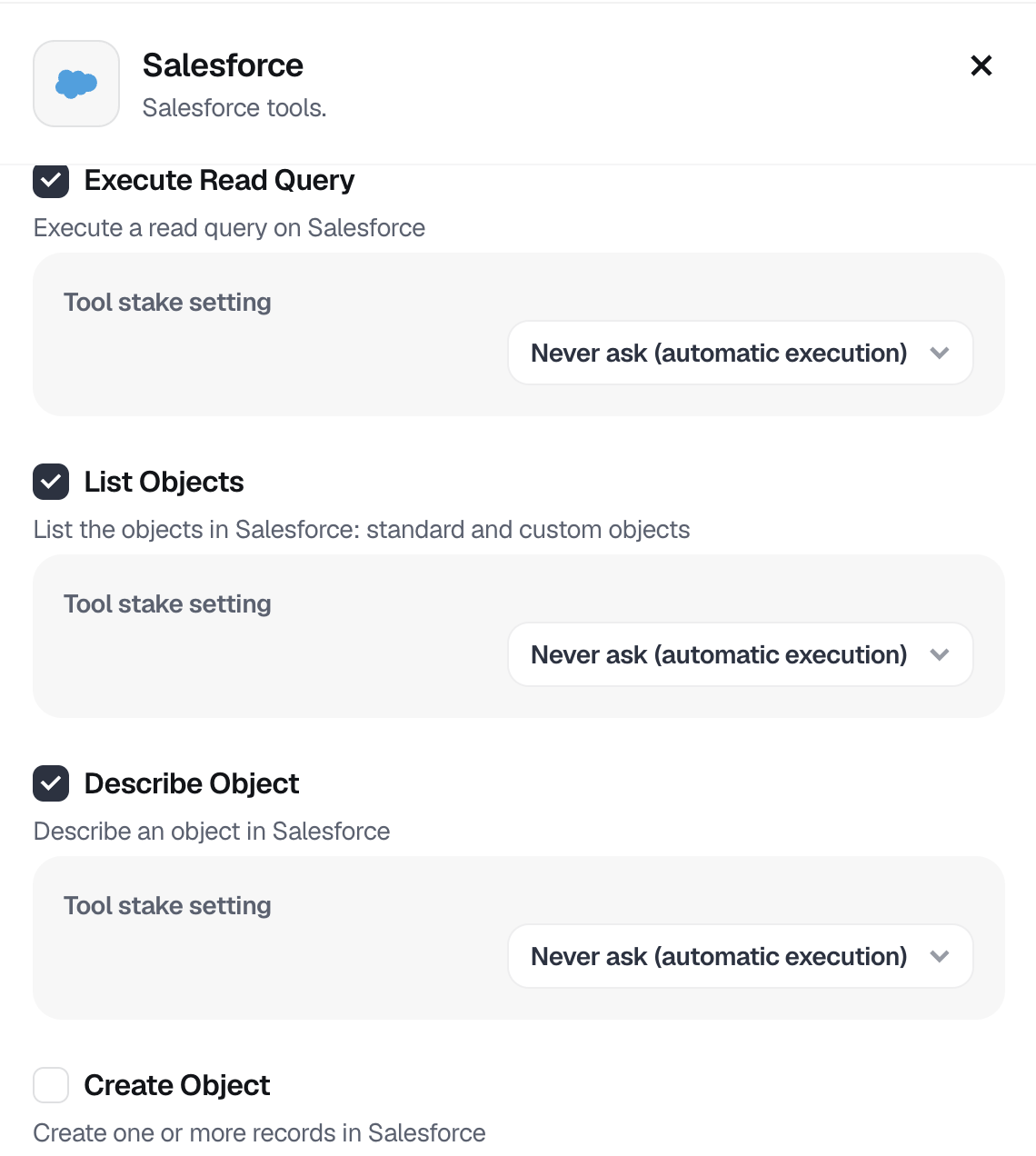
If you're already using the Salesforce MCP tool with your agents, the write capabilities are available after an admin checks the "Create Object" tool on, from the Admin>Tools>Salesforce menu
Simply ask your agent to create or update a Salesforce record—you'll be prompted to approve the action before it's executed.
If you haven't set up the Salesforce MCP tool yet, check our documentation or reach out to your Customer Success Manager to get started.
✨ Concrete Use Cases
Here's how you could use it:
Automated opportunity updates: After a sales call, an agent can analyze the conversation transcript and create follow-up tasks or update the opportunity stage in Salesforce directly.
Contact enrichment: When you share new information about a prospect, an agent can automatically create or update the contact record with relevant details like job title, company, or notes from your conversation.
Activity logging: Agents can create notes or log activities in Salesforce after customer interactions, ensuring your CRM stays up-to-date without manual data entry.
📈 Benefits for you
-
Save time by eliminating manual data entry between Dust and Salesforce
-
Maintain data accuracy with real-time updates to your CRM
-
Enable end-to-end workflows where agents can both analyze and act on Salesforce data
-
Stay in control with medium stakes approval for all write operations